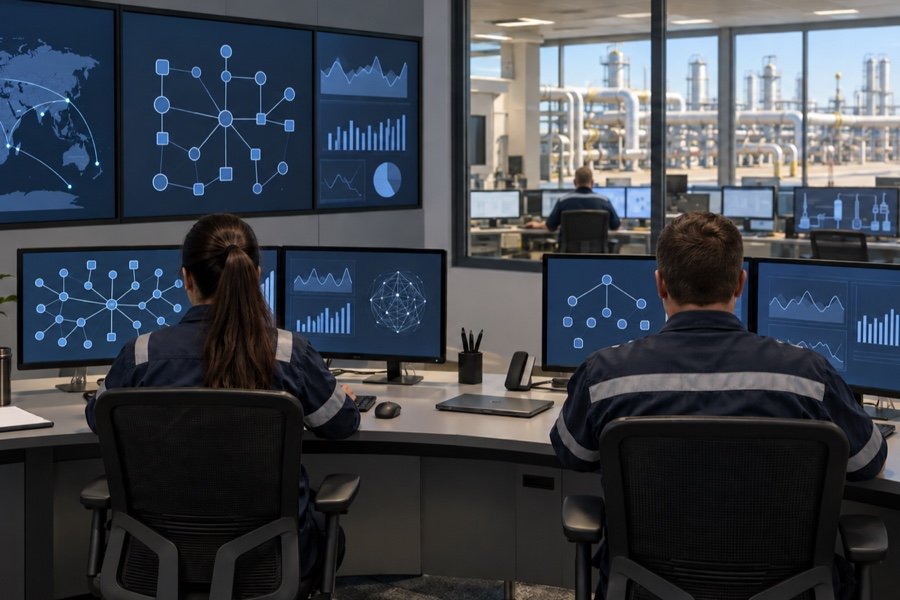
Specialized software provides tools for organizing technical work and reviewing the information used in engineering activities. This area brings together MTL Workbench Software, Xtraview3, and Wizcon Logline as named software subjects. Workbench topics connect software operation with the preparation and management of technical tasks. The Xtraview3 subject adds the use of a named application to the discussion of technical information and user workflows. Wizcon Logline introduces another software context for considering configuration, information handling, and routine use. Together, these subjects connect application workflows, information handling, and user support with the needs of engineering and technical teams.
Develops working practice in MTL Workbench Software, from setup and data handling to producing outputs used by engineering teams. Task organization and review connect routine software use with technical work.
Suitable for: Engineering Applications Specialist, Technical Software Support Engineer, Engineering Data Coordinator
Xtraview3
Focuses on working practice in Xtraview3, from setup and data handling to producing outputs used by engineering teams. Reviewing inputs and outputs provides a basis for consistent technical workflows.
Suitable for: Engineering Applications Specialist, Technical Software Support Engineer, Engineering Data Analyst
Wizcon Logline
Explores configuration and use of Wizcon supervisory software for plant monitoring and data logging, with Logline retained as the named component. Operational data and supervisory displays provide the context for routine software practice.
Suitable for: Control Systems Engineer, Plant Automation Engineer, Engineering Applications Specialist
Who these courses are for
Engineering Applications Specialist
Technical Software Support Engineer
Engineering Data Coordinator
Engineering Data Analyst
Control Systems Engineer
Plant Automation Engineer
HOW TO APPLY
Your next step, when you are ready.
Select APPLY to open the shared application page with Specialized Software Tools preselected, then choose a course.
Examine international legal frameworks, contract responsibilities, risk allocation, dispute resolution, and compliance considerations in oil and gas projects.